Configuration
To install this module, just you need to install following module: payment_checkout
After install the module
- Go to Website Admin > Configuration > Settings :

- Add your API Access Key :
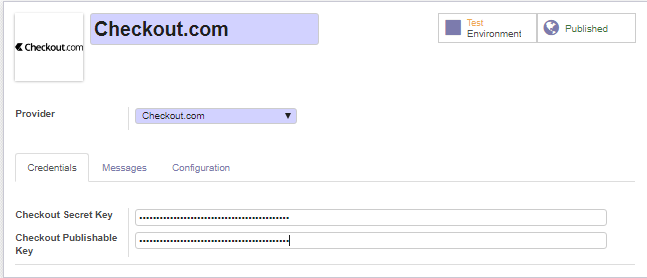
- Configuration :
Test environment
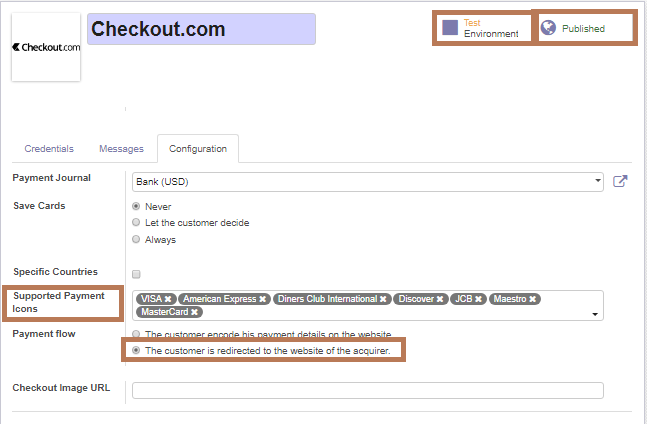
Once the payment method ready, make it visible in the payment interface and activate the Production mode.
Shop
- Choose checkout.com
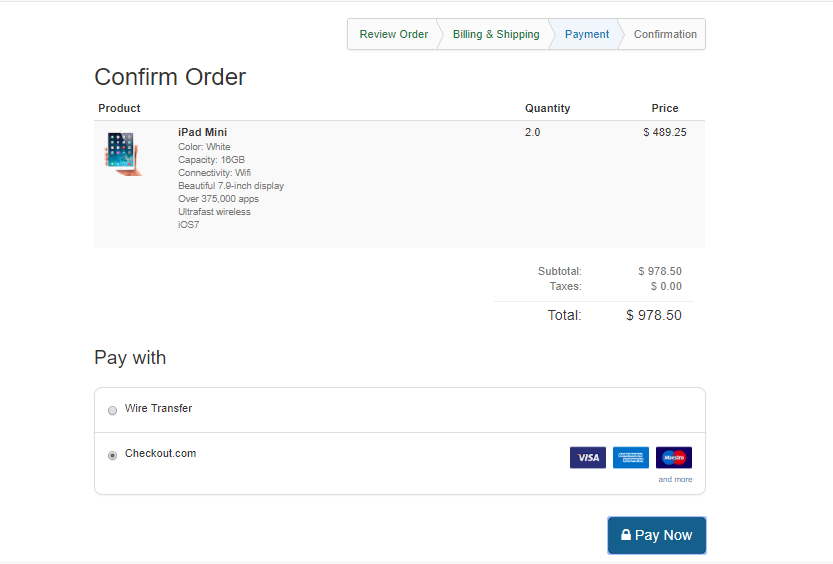
- Test card validity
Enter Card Details
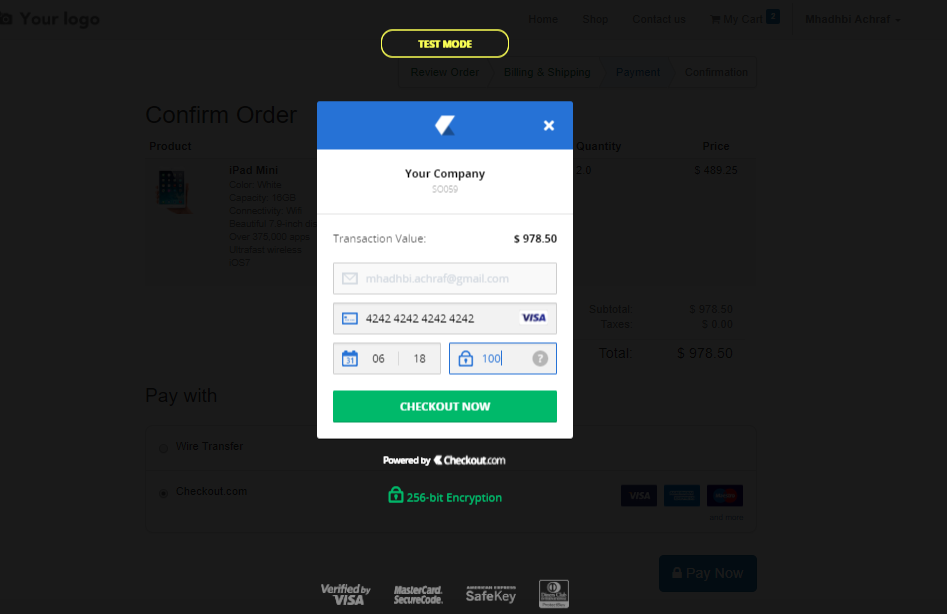
If Invalid Card Details Checkout error message until the card will be valid and the button checkout now will be appear.
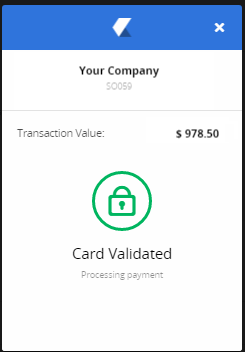
- Card Valid
Once the customer completes and submits his payment details, if the card tokenisation is successful the Checkout.js payment lightbox will appear as follows:
Transaction
- Transaction Invalid

If an error occurred in charging the card, check the status, responseMessage in the response for information regarding the cause of the error
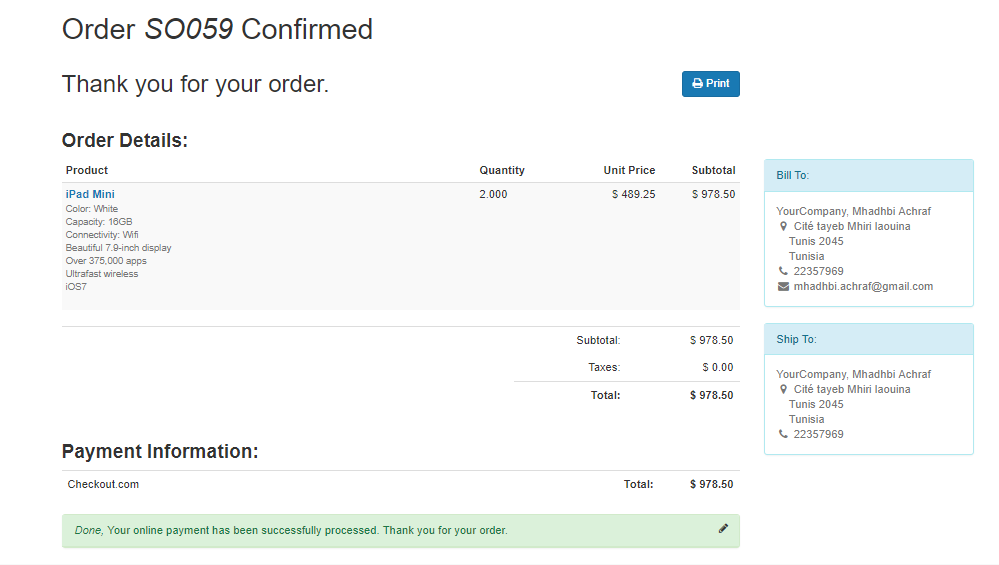
- Transaction Valid
The transaction has been approved by the Issuer and the amount is held on the customer’s card.
- Transaction Sandbox : Transaction Details

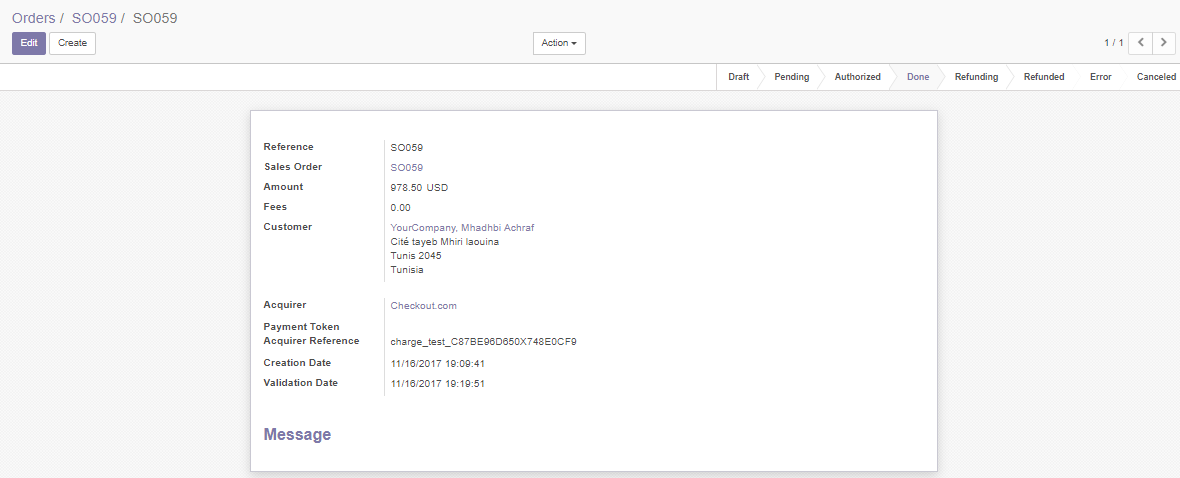
- Transaction Odoo : Transaction Details :